
Multiple terminals
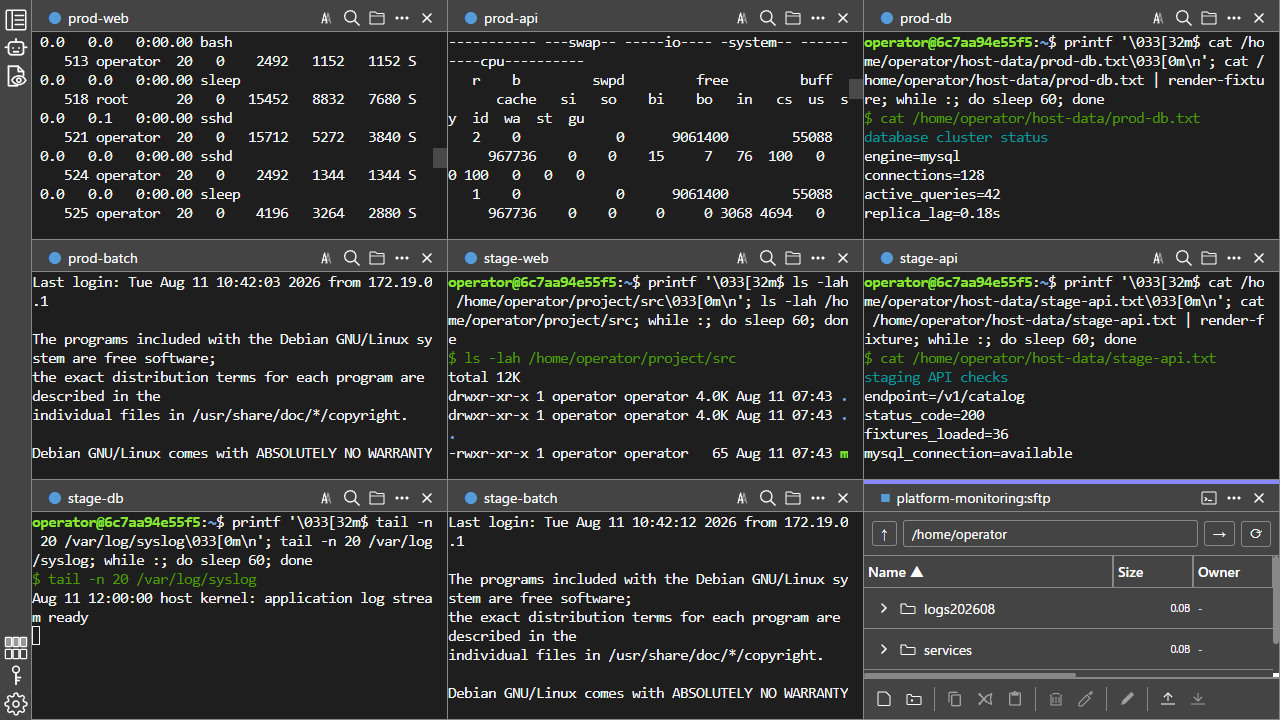
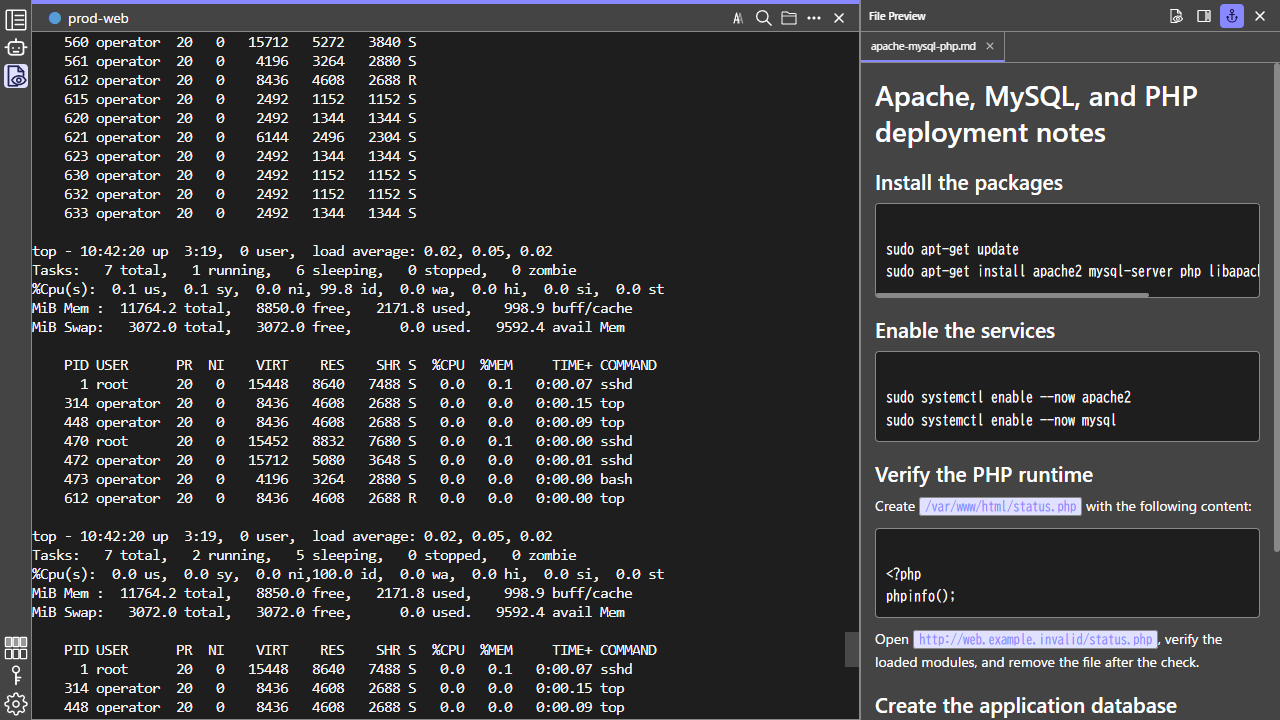
Tabs, grids, and synchronized key input.
Handy features born from real-world, large-scale server management.

1 / 8
Tabs, grids, and synchronized key input.
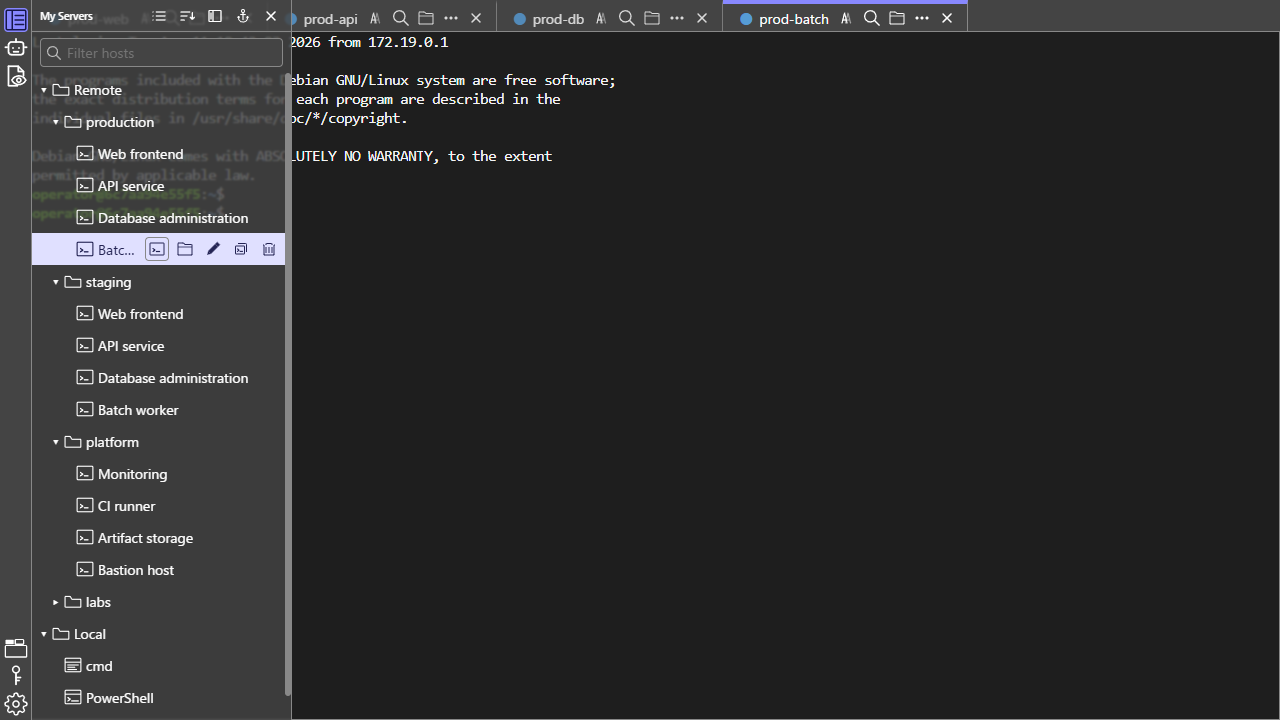
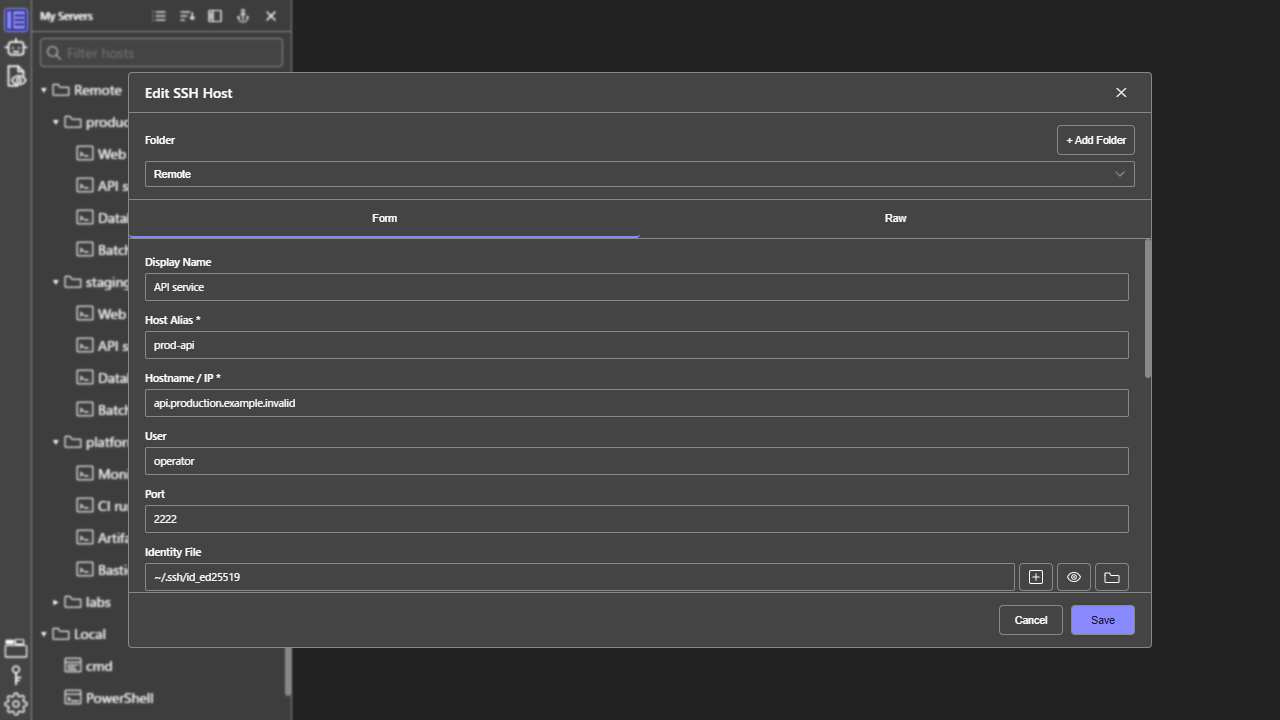
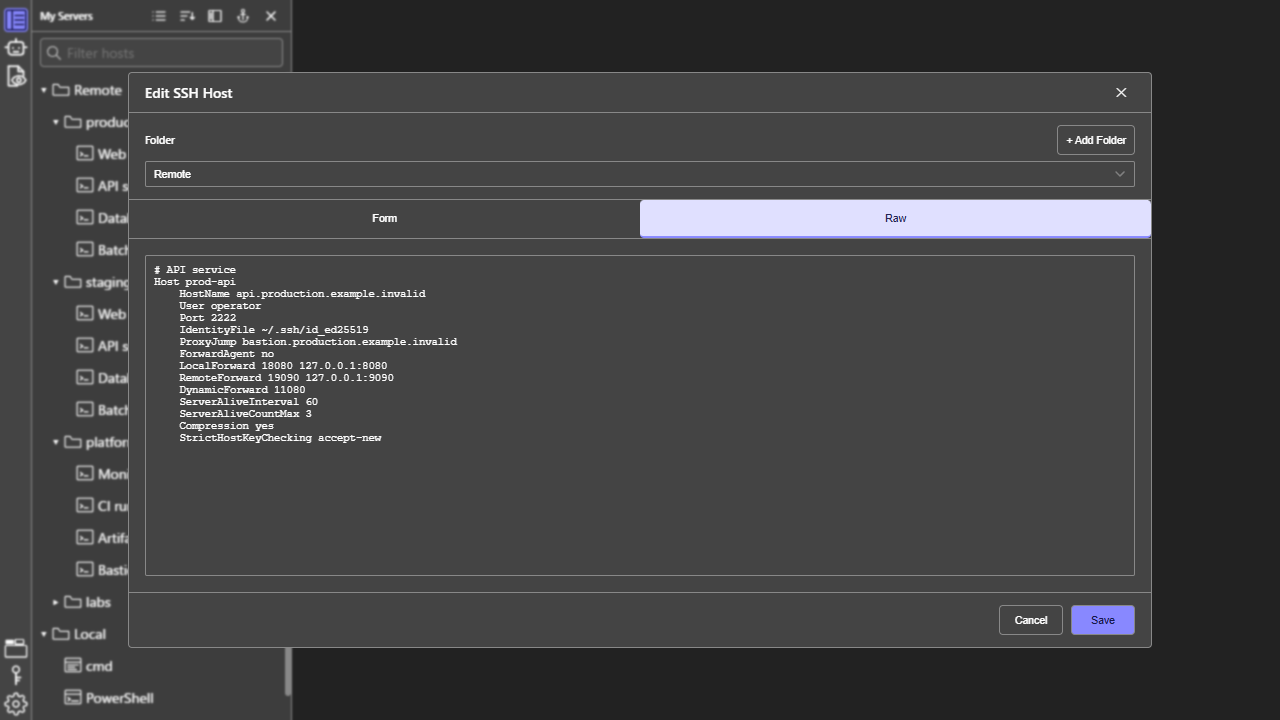
Edit your existing ~/.ssh/config and organize hosts into folders.
Work with SFTP, local, and WSL files in one place.
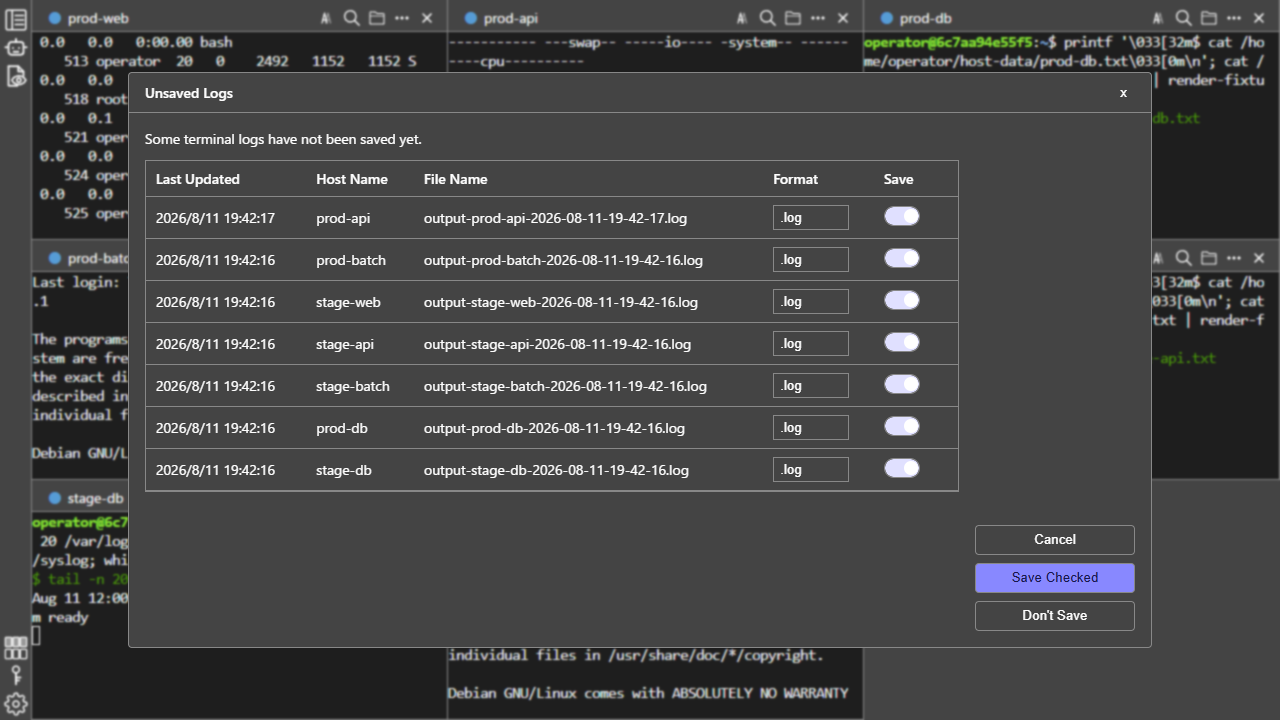
Search output, restore sessions, and save logs.
Adjust colors, fonts, and text size.
Keep long or unwanted output easy to read.
AI panel and input completion.
Store passwords with encryption.
Manage SSH Agent keys.
The name LuRa Term is a respectful nod to a spell from a well-known JRPG that lets you travel instantly to towns you have already visited.
LuRa Term brings the same idea to SSH: connecting to a remote server whenever you need to, from wherever you are.
LuRa Term is not affiliated with or endorsed by the rights holders of the original work.
 Contact us on Discord